Laptop-Only Desk Setup: How to Stay Comfortable Without an External Monitor
Jan 27, 2026
|
5
min read
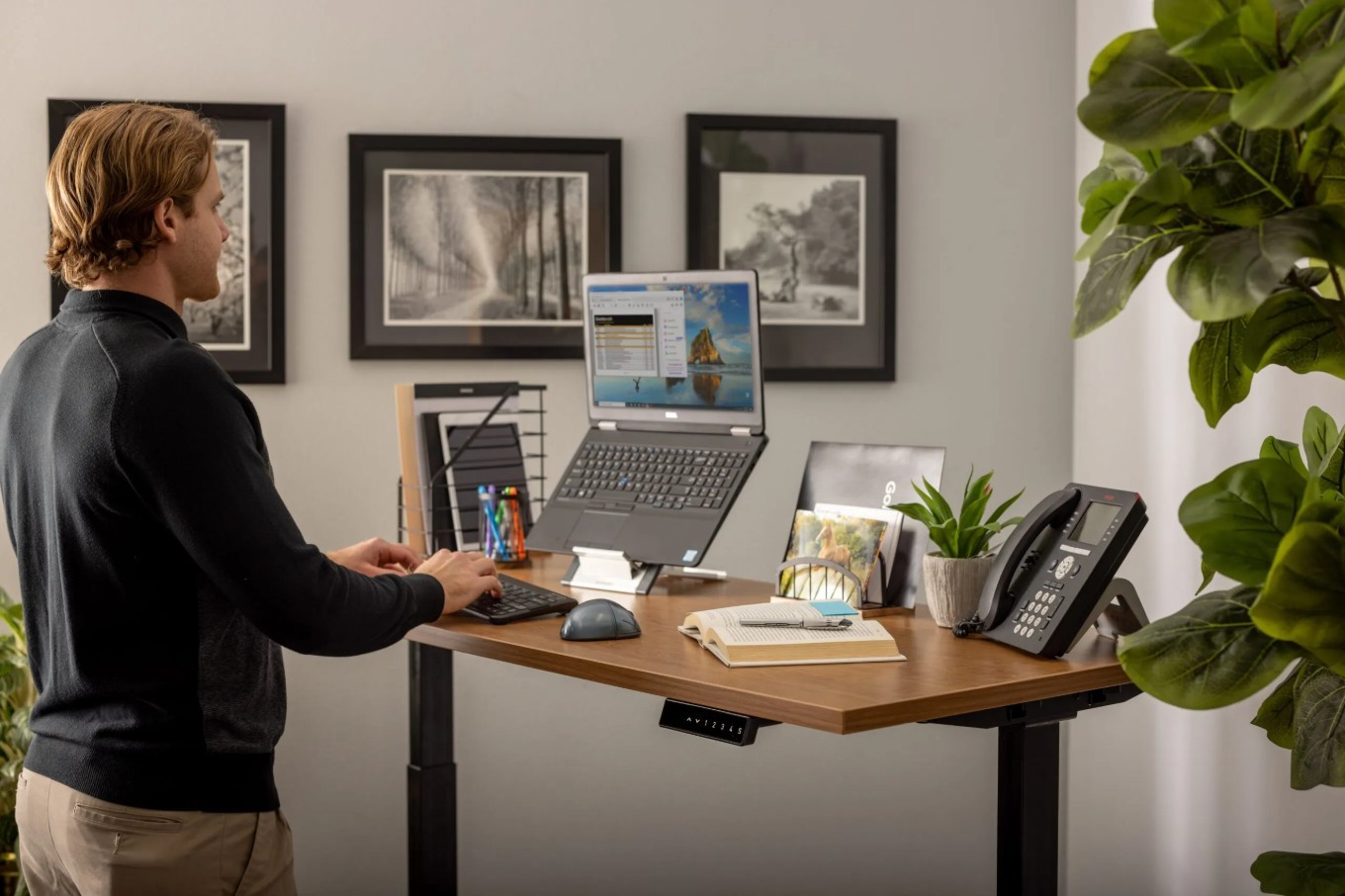
Not everyone uses an external monitor, and that is completely fine. Many people work from laptops only, whether due to budget, space limits, or portability needs. The key is setting things up correctly so comfort and posture do not suffer.
This guide walks through simple, realistic ways to stay comfortable with a laptop-only desk setup.
Why Laptop-Only Setups Can Cause Discomfort
Laptops combine the screen and keyboard into one fixed position. When the screen is at eye level, the keyboard is usually too high. When the keyboard is comfortable, the screen is often too low. Over time, this leads to:
Neck strain from looking down
Wrist discomfort from awkward angles
Shoulder tension from hunching forward
Good ergonomics is about finding balance, even without extra hardware.
1. Position Your Laptop Correctly
Start by centering your laptop directly in front of you. The screen should be slightly below eye level, and your elbows should stay close to your body while typing.
If the screen feels too low, raise the laptop slightly using books or a simple stand. Even a few inches can make a noticeable difference.
2. Improve Wrist and Arm Comfort
Laptop keyboards are compact and often force your wrists into tight angles. Supporting your forearms helps reduce strain.
Our Top Amazon Pick – Logitech Desk Mat
If you want more desk mat options for added arm support, see our Best Minimalist Desk Mats Under $30.
3. Use an External Mouse When Possible
Even without an external monitor, using a mouse can improve wrist comfort and reduce tension compared to a trackpad.
Our Top Amazon Pick – Logitech M185 Wireless Mouse
If you spend long hours using a mouse, upgrading to a more ergonomic design can noticeably improve comfort and control.
4. Sit With Simple Posture Rules
You do not need perfect posture, just consistent habits:
Keep your feet flat on the floor
Sit back in your chair with light back support
Avoid leaning toward the screen
Small posture fixes add up over time.
5. Take Short Movement Breaks
Laptop work often happens in long, uninterrupted sessions. Short breaks help reset your posture and reduce stiffness.
Every 30–60 minutes:
Stand up briefly
Roll your shoulders
Relax your hands
Final Thoughts
A laptop-only desk setup can still be comfortable if you focus on positioning, posture, and a few supportive accessories. You do not need a full desktop setup to work pain-free.
If you want to improve screen height and overall posture, check out our Best Monitor Risers for Small Desks (Under $50) for simple ergonomic upgrades.
Want More?
Subscribe to the Nestform newsletter for weekly workspace ideas, gear recommendations, and productivity insights.